How to Make an Airbnb Mood Board: 3 Real Examples
A useful Airbnb mood board is a working design brief, not a loose collection of attractive rooms. It should connect a specific guest, property, budget, and operating plan to a repeatable visual direction that can guide every purchase.
The strongest board helps an owner decide what belongs in the property before ordering begins. STR Cribs uses that same discipline when a concept moves into a complete Airbnb design and renovation plan, including furnishing, procurement, delivery, and installation.
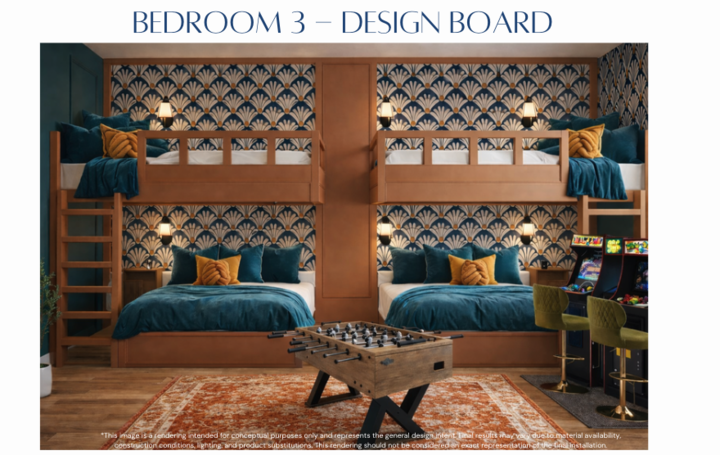
What an Airbnb Mood Board Controls
A short-term rental mood board should settle decisions that affect both the listing photos and day-to-day operation. It gives the owner, designer, purchasing team, and installer one reference point for approving substitutions and resolving conflicts.
- Target guest: Identify the group the room must serve, such as families, couples, business travelers, or large celebrations.
- Design direction: Name the atmosphere in plain language and define what does not belong.
- Color system: Set dominant, supporting, and accent colors with paint names or digital color values.
- Materials: Record finishes, upholstery, flooring, and hardware with cleaning and replacement needs in mind.
- Furniture forms: Choose silhouettes and proportions that fit the floor plan and occupancy.
- Listing focal point: Plan the feature that should lead the room's primary listing photo.
Build the Airbnb Mood Board in Six Steps
1. Define the Guest and Property Brief
Write a one-sentence brief before collecting images. Include the likely guest, the reason for the trip, the property type, the room being designed, and the practical constraint that matters most. A useful brief might read: “A durable game room for multigenerational groups that feels energetic in listing photos without obstructing circulation.”
2. Choose a Mood Board Format
Canva and Milanote work well for arranged boards with labels. Pinterest is useful for early collection, but the final board should be edited into a smaller, deliberate set. A physical board can help when paint, fabric, wood, or tile color changes under real light. Export the approved digital version as a PDF so every project partner works from the same revision.
3. Set the Palette and Materials
Choose one dominant color family, one supporting family, and one or two accents. Add exact paint references and finish names when they are known. Pair each attractive material with an operating question: Can it be cleaned between stays? Is a replacement available? Will the finish show wear in the most-used path?
4. Add Furniture and Lighting
Select pieces by scale and function before brand. Record the approximate width, depth, seating count, and lighting role. This keeps the board useful when an item is unavailable and the procurement team needs a comparable substitute.
5. Plan the Listing Focal Point
Choose one feature that can organize the room and lead the listing gallery. It may be a bunk wall, game zone, fireplace, mural, or outdoor gathering area. The feature still needs clearance, seating, lighting, and durable finishes. More decoration does not correct a weak layout.
6. Edit the Board Into a Decision Tool
Remove references that conflict with the brief or repeat the same idea. Label the choices that are mandatory, flexible, or still unresolved. The finished board should make it possible to approve a purchase, reject an off-theme substitute, and explain the room to an installer without a separate style discussion.
Three Airbnb Mood Board Examples
These project-backed boards use completed STR Cribs properties to show how a concise visual direction can connect guest intent, color, amenities, and durable execution. They are reconstructed from finished project photography rather than presented as original preconstruction boards.
Example board 1
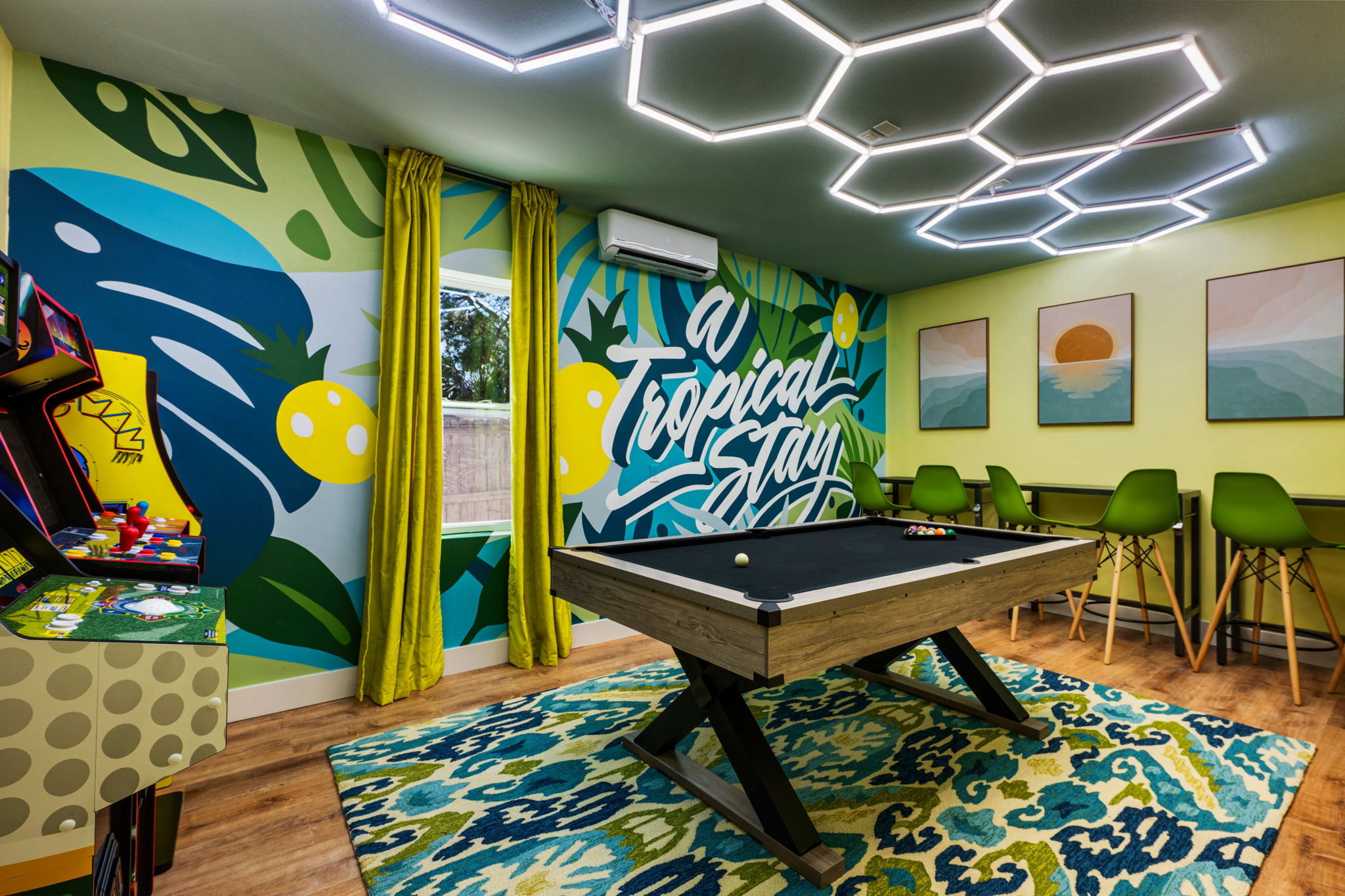
Grand Resort: High-Energy Group Play
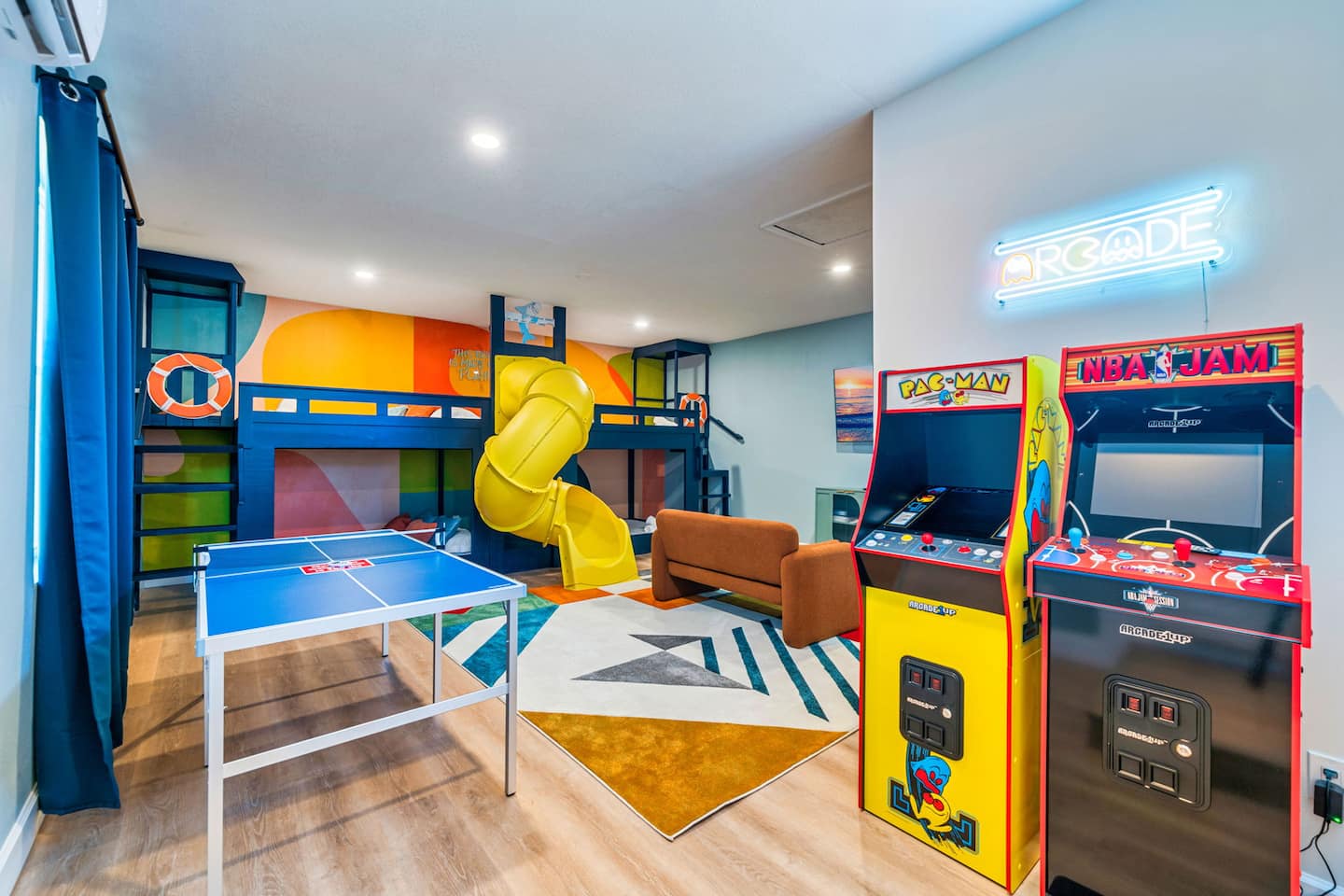
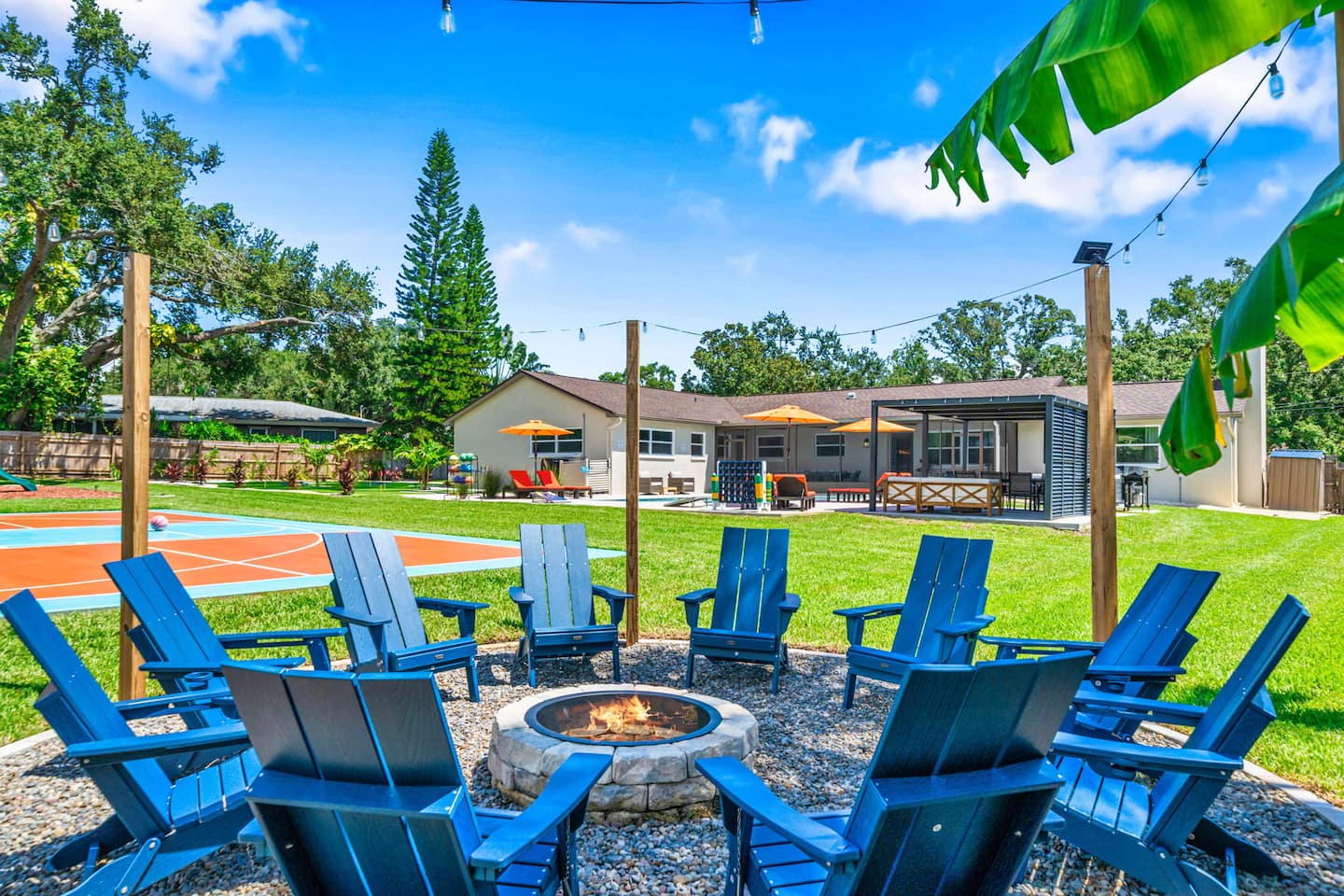
Guest brief: large groups need entertainment choices and outdoor gathering areas that read immediately in listing photos.
Palette
Design cues
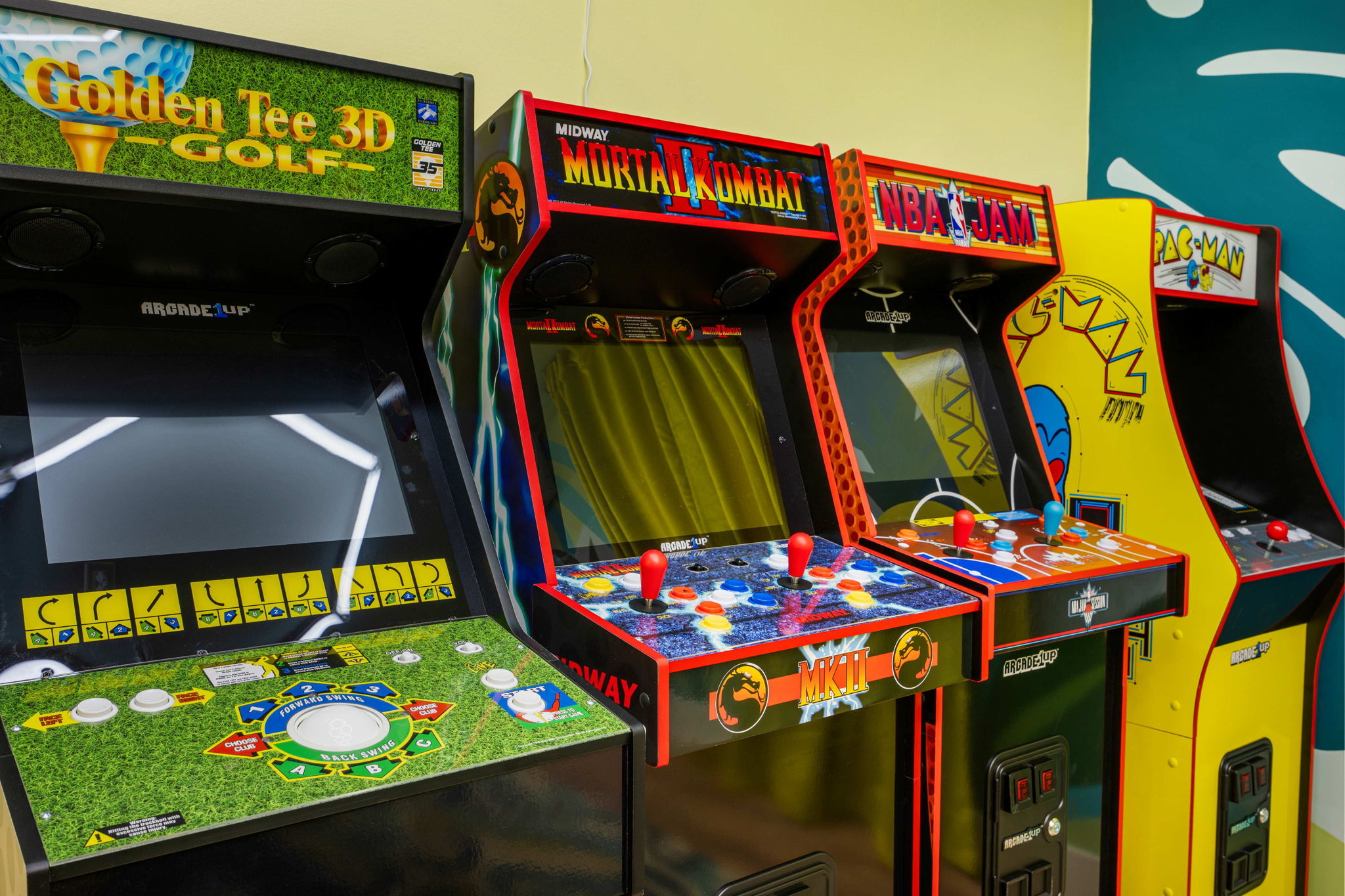
Saturated colors, durable game equipment, repeated circular seating, and distinct activity zones make the entertainment promise easy to understand.
Operating filter
Keep walking paths clear and choose outdoor pieces that can be rearranged, cleaned, and replaced without changing the whole scheme.
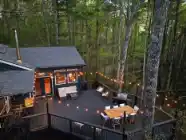
At Grand Resort, an STR Cribs project, the game room and fire-pit area carry the same energetic palette across indoor and outdoor guest experiences.
Example board 2
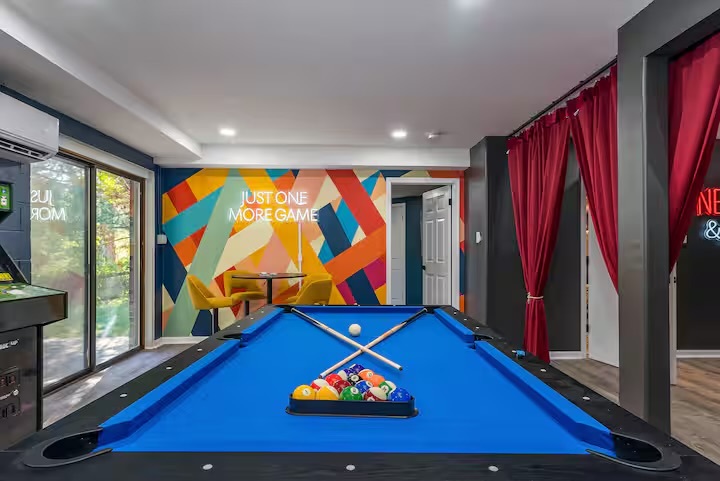
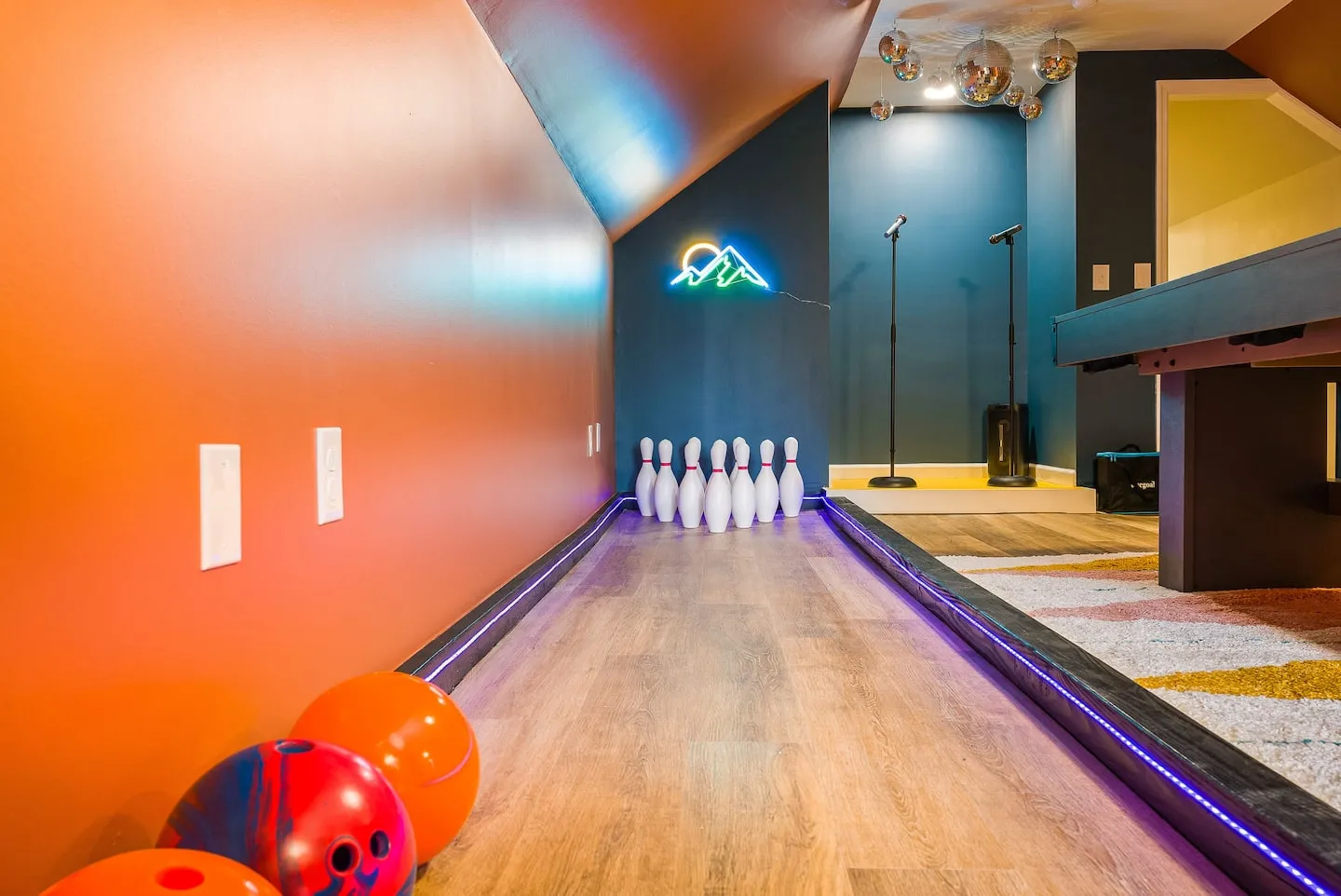
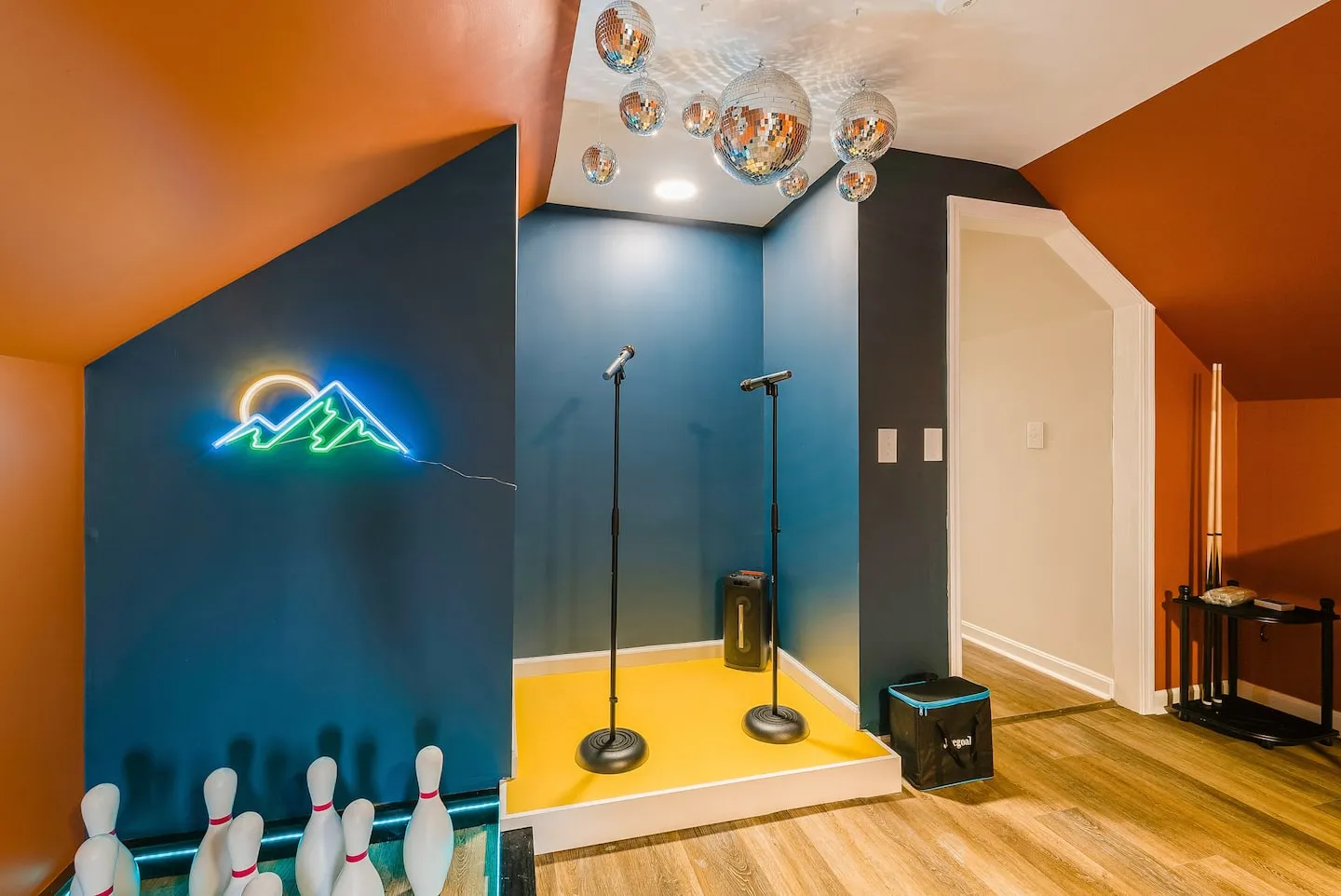
Adventure Haven: Immersive Nightlife
Guest brief: a group-focused retreat needs multiple evening activities with one cohesive, memorable atmosphere.
Palette
Design cues
Dark walls, concentrated color, graphic lighting, and activity-specific zones create a nightlife identity without applying one theme to every surface.
Operating filter
Protect equipment clearance, light each activity independently, and keep high-contact surfaces simple enough for routine turnover.
At Adventure Haven, an STR Cribs project, bowling and karaoke spaces share a dark, high-contrast language while remaining distinct experiences.
Example board 3
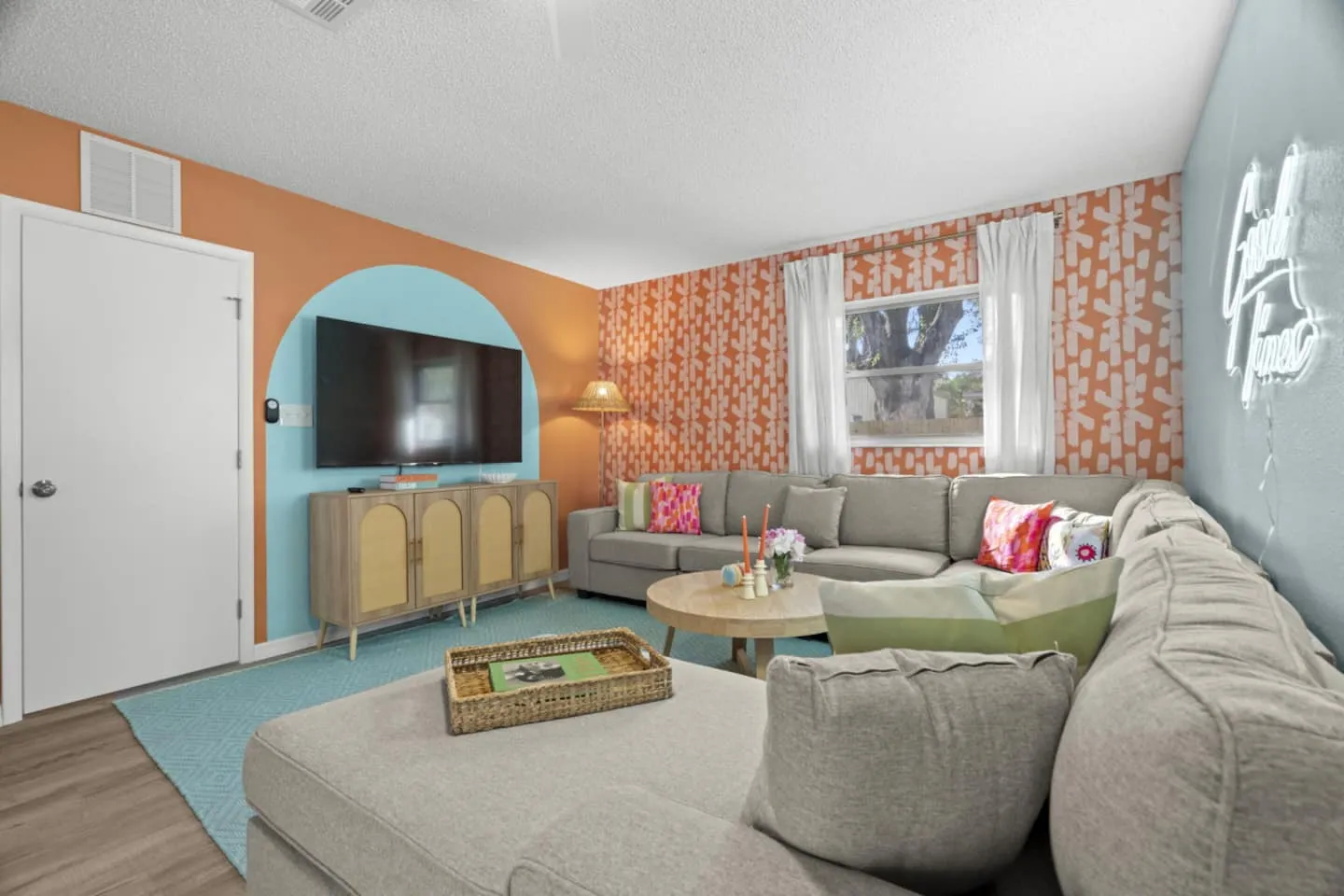
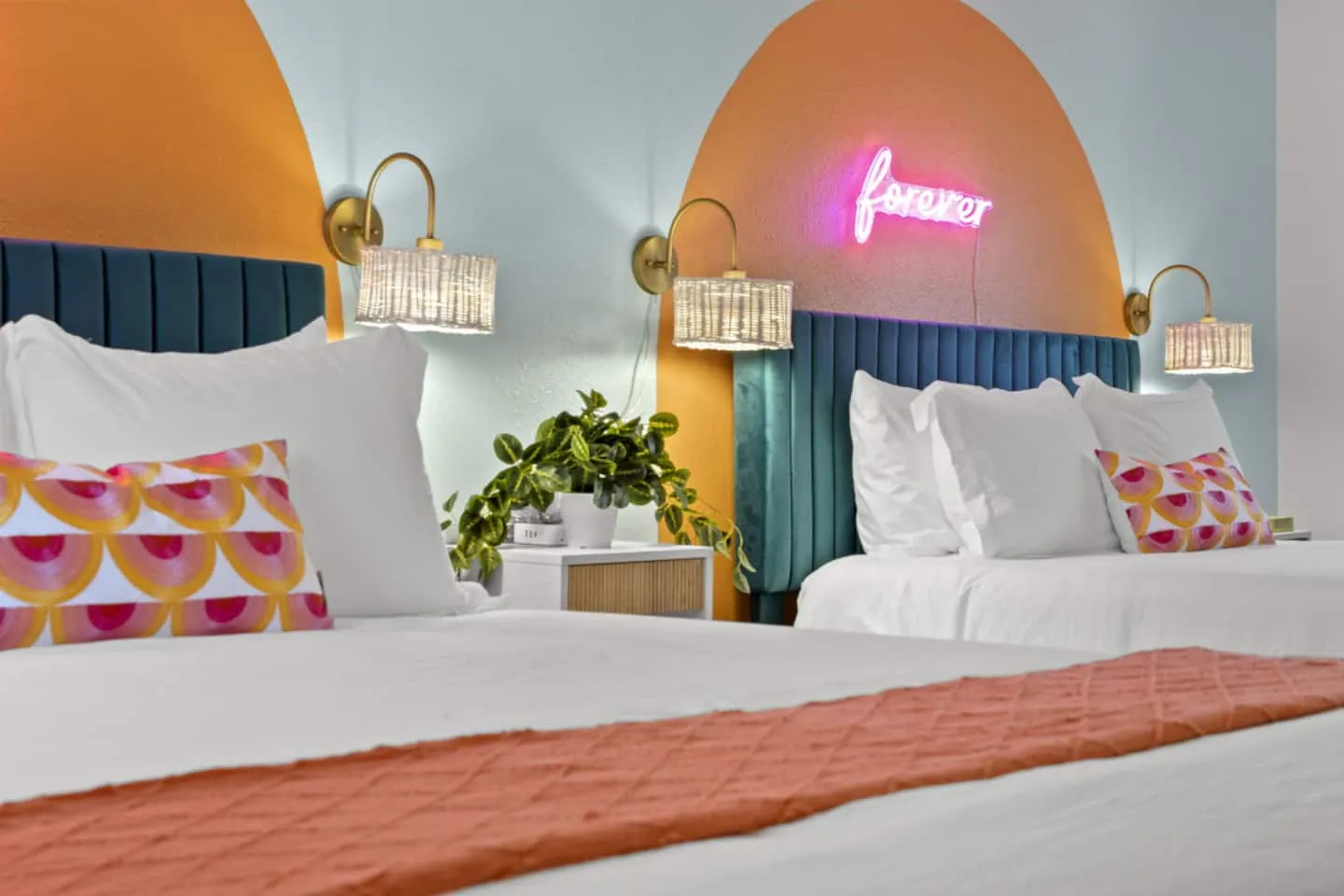
Playcation Oasis: Playful Coastal Comfort
Guest brief: families need a bright, relaxed home with playful details that still feels calm enough for longer stays.
Palette
Design cues
Rounded color blocks, pale upholstery, warm neutrals, and repeated coral-blue accents give separate rooms one recognizable coastal identity.
Operating filter
Reserve the strongest shapes for focal walls, keep large furniture quiet, and repeat accents through items that can be replaced individually.
At Playcation Oasis, an STR Cribs project, the living room and bedroom repeat the same soft base and coral-blue accents without matching every piece.
Turn the Mood Board Into a Purchasing Plan
A board becomes operational when each visual choice maps to a specification. Build a purchasing sheet with the room, item, quantity, dimensions, finish, approved source, acceptable substitute, price, lead time, and installation note. The mood board controls the look; the purchasing plan controls execution.
Room concepts should also connect to circulation, capacity, cleaning, storage, and replacement. A strong modern Airbnb design balances a recognizable visual idea with those practical constraints.
Common Airbnb Mood Board Mistakes
- Collecting without editing: Twenty unrelated inspiration images do not create one direction.
- Designing for personal taste: The board should answer the guest and property brief, not reproduce an owner's home.
- Ignoring the floor plan: A reference image is not useful when its furniture scale cannot fit the room.
- Choosing a theme before a guest: A themed room works best when the activity, age group, and property positioning support it. The most effective Airbnb themed rooms are planned around use, not decoration alone.
- Forgetting operations: Pale fabrics, intricate objects, and one-off furniture may be difficult to clean or replace.
- Skipping final photography: Compare the installed room with the approved focal point before the listing shoot.
Airbnb Mood Board Checklist
- One-sentence guest and property brief
- Three to five palette colors
- Paint and finish references
- Furniture shapes and approximate dimensions
- Lighting type and color temperature
- Flooring, upholstery, and hardware samples
- Primary listing-photo focal point
- Cleaning and replacement criteria
- Mandatory, flexible, and unresolved labels
- Matching purchasing-plan fields
Use the Board to Make Decisions
The best Airbnb mood board is specific enough to guide purchases and flexible enough to survive substitutions. It should explain who the space serves, what guests should notice first, which visual rules must remain consistent, and which details can change without weakening the concept.
Completed properties in the STR Cribs design portfolio show how those decisions carry from an initial direction into finished rooms, amenities, and outdoor gathering spaces.